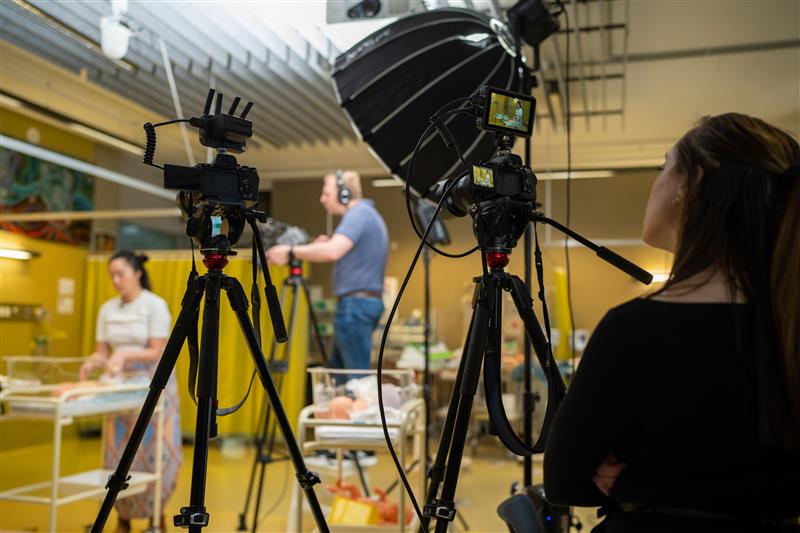
Elevate your lectures with Self-Service Studios

There is a wide variety of research on the value to students of high-quality, chunked videos for learning, that makes strong use of multimedia design principles. A summary of the application of these design principles has been produced, along with a broader range of information from ACU's INSPIRE team.

The self-service studios empower staff to record with clear video and audio, using simple controls to switch between video of the presenter and the relevant slides. This helps presenters engage with their audience through the video and eliminates the issues of recording from home or the office, such as poor lighting, low video quality, or muffled audio.

The Studio setup

The studios feature simple control panels that allow you to switch between multiple views, as shown below.
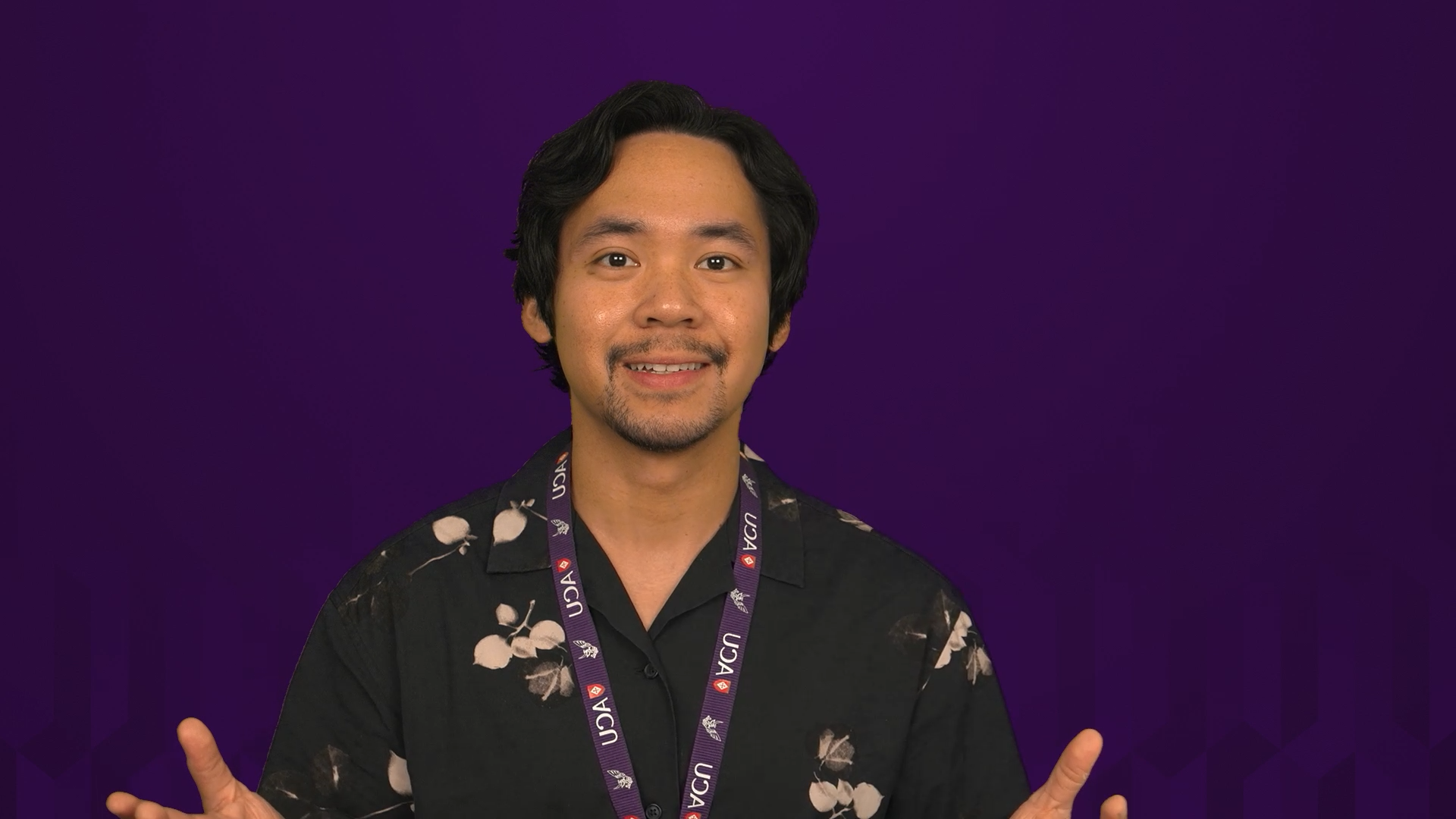
Presenter view, which allows for 'eye contact' with the students.
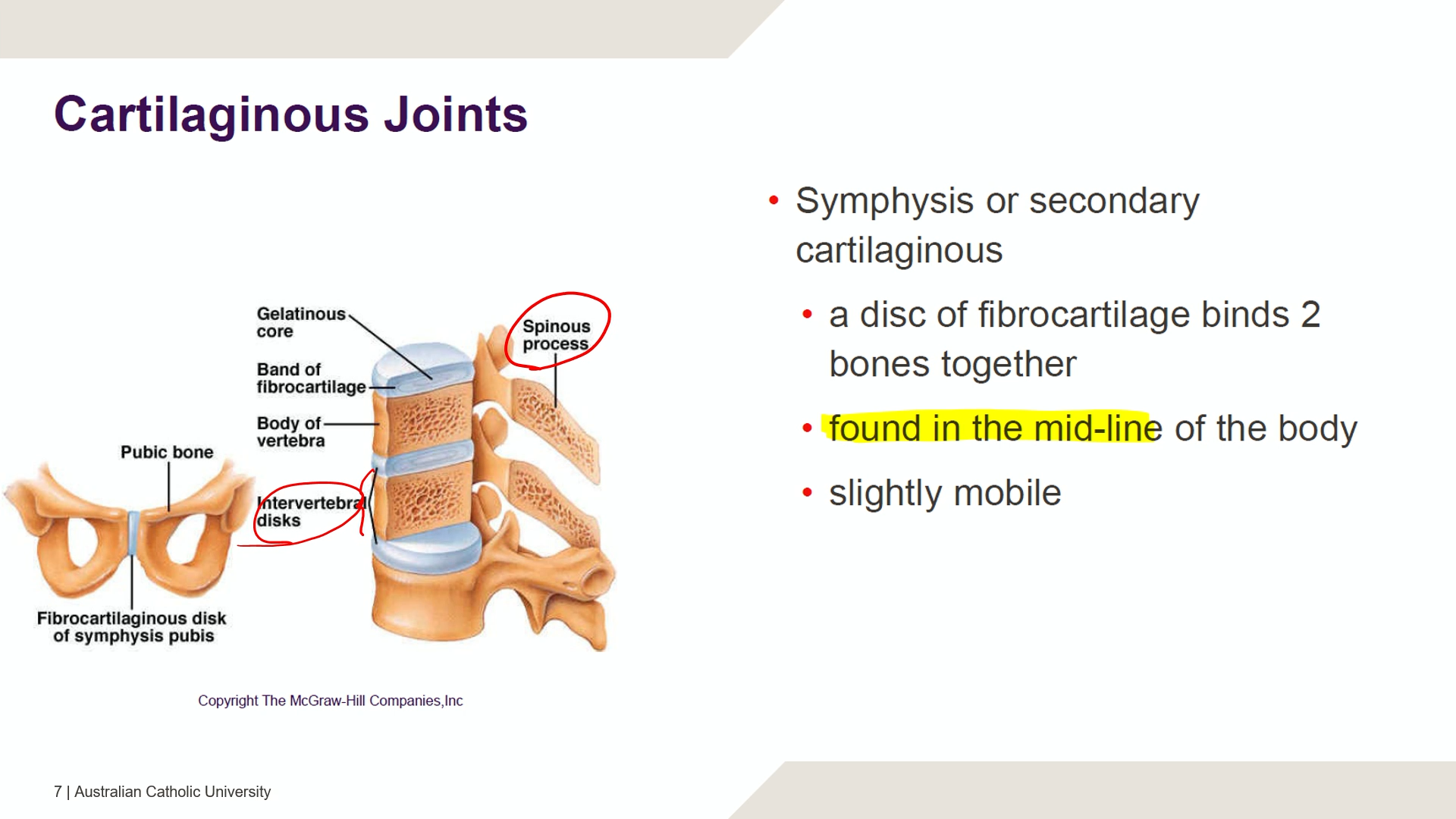
Slide view, to focus students attention on the slides as needed.
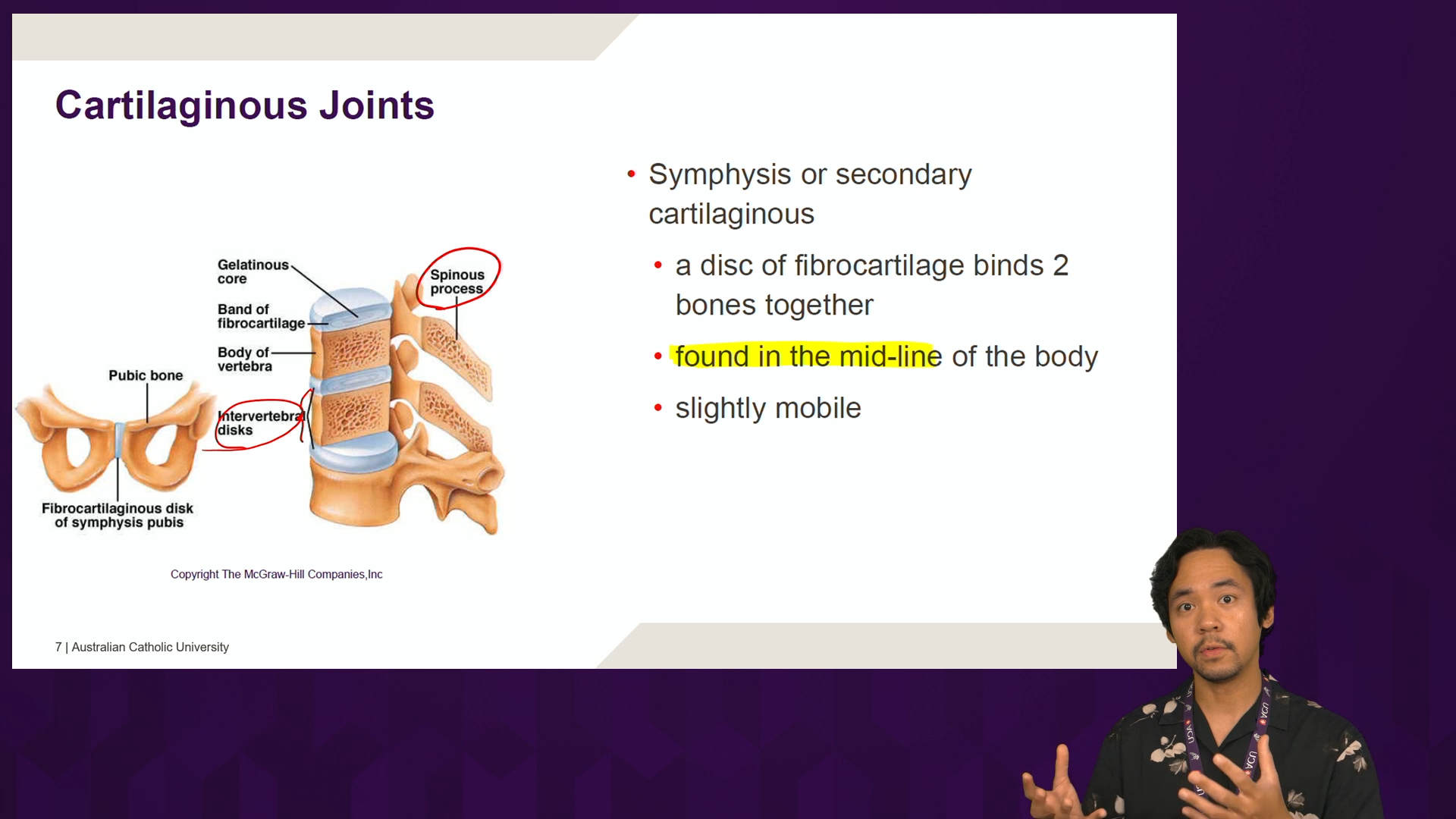
Picture-in-picture view, which can be used if gestures or body language are important to help explain the content of the slides.

The desks are height-adjustable, so presenters can sit or stand depending on your preference, and a computer is provided to display presentations or other material. Staff can also bring their own laptop to present from if preferred.

View a tour of the Canberra studio below.

Recording in the studio

Preparing for your session
 note and pencil icon
  • Prepare your content using the provided PowerPoint template. Note that older 4:3 PowerPoint files will not work in the self-service studio.
  • Try wherever possible to keep your videos short (6-10 minutes), focused, and make full use of multimedia design principles. Chat to your learning designer or ACU Studios staff if you need assistance.
  • You will need to bring an empty ExFAT formatted USB drive, with approximately 4GB of space per hour of recording.
  • For Welcome videos refer to the ACU Welcome Video Script template which guides you on how to best prepare your script and tips for filming and presenting in front of the studio's camera.


Recording
 video camera icon
  • Each time you press the record button, a new file will be created with the current date and time. If you’re recording multiple videos, you may want to start each video with a relevant title slide so you can easily sort through them later.
  • Don’t worry if you make small mistakes, students like to know that you’re human. If you want to start again, you can stop and start a new recording, or trim the recording later using Echo360.
  • Engage with the camera as much as possible, it is your audience! Avoid reading directly from your slides or your notes, smile, and enjoy yourself.
Post Production
 film strip icon
  • The video files the studios record can be uploaded straight to Echo360.
  • We highly recommend setting a custom thumbnail for your videos, so they are immediately distinguishable in Canvas. This should be the same as your title slide from the PowerPoint template.
  • You can easily trim your videos in Echo360 to remove dead time at the start and end, or to remove small sections from the middle.

Booking a studio

Make a booking

Through the form you'll be able to pick the studio you wish to book, and see a list of available times going forward. You can book an induction with a staff member, or make a 90-minute self-service booking. If you want to book longer, feel free to make an additional booking.

Need help?

If you need any assistance, please contact the respective team member with details listed below.

Ballarat james.brereton@acu.edu.au
Brisbane michael.sobek@acu.edu.au
Canberra joexcel.rinon@acu.edu
Melbourne jacob.dyer@acu.edu.au
North Sydney matthew.harrison@acu.edu.au
Strathfield matthew.harrison@acu.edu.au
Blacktown samantha.sullivan@acu.edu.au

ACU Studios Production

Looking for more than just a lecture recording? Our Studio Team specialises in creating professional, high-quality educational videos that go beyond the basics. We'll work with you to design custom media solutions tailored to your teaching goals and the challenges you want to solve.

Discover how we can bring your ideas to life-visit our page to learn more!

ACU Studios Production

Frequently Asked Questions

If you are a first-time user, you must book an induction. A relevant staff member will meet you to run you through the system. After your induction, you can book regularly for your next bookings.

An automatic response email should be sent to you with your booking details. Please go through the attached file on SSS Studio to know more about what you should do before your induction.

If you cannot make it, please cancel your induction booking in a reasonable time. You can do this via the email sent to you when you made your booking.

You might also like

Multimedia Design Principles

Use research‑informed strategies to design clearer, more effective multimedia content for student learning.

Explore the principles

Producing learning and teaching videos

Get practical guidance on creating engaging, high‑quality instructional videos for your students.

View resource

Learning technologies

Discover the full range of learning technologies available at ACU and access dedicated support and training.   

Find out more
Page last updated on 12/02/2026

Service Central

Visit Service Central to access Corporate Services.


Other service contacts


Learning and Teaching
Library
Request Something

Make a request for services provided by Corporate Services.


Request something
Knowledge base

Find answers to frequently asked questions 24/7.


See Knowledge Base